

Every vehicle on one living map — moving, idling, stopped or offline.
- Included in Starter
- Included in Professional
- Included in Enterprise
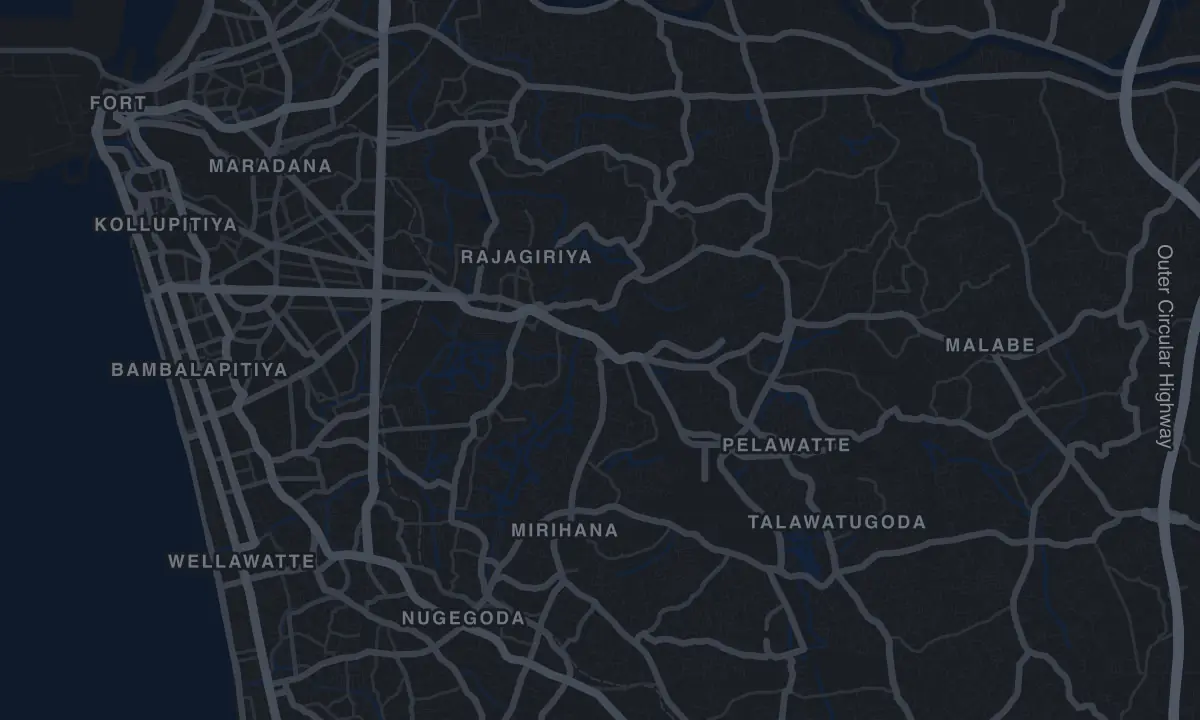
A real-time command map of your entire fleet with colour-coded status, heading arrows and instant fly-to. Click any vehicle for a 16-field detail card: driver, speed, distance today, engine hours, odometer, battery, ignition, satellites and more.
The Overview screen is your fleet's heartbeat. Eight live KPI tiles — total fleet, moving, idle, stopped, offline, geofence breaches, distance today and engine hours — sit above a full-width live map that refreshes every 30 seconds. Tap a tile and a drawer slides open listing exactly the vehicles behind that number. Tap a vehicle and you get its complete situation card, one press away from showing it on the map or replaying its last trip. Nothing to install on the desk side: it runs in any modern browser, on a wall screen in your operations room, or on the manager's phone.
Why it matters
- Live map with moving / idle / stopped / offline colour states and heading arrows
- 8 clickable KPI tiles that open filtered vehicle drawers
- 16-field vehicle detail card with one-tap Show-on-Map and Trip Replay
- Animated trip replay at 0.5× to 5× speed with a scrub timeline
- Group, category and free-text filtering with CSV export
Fleet Command Dashboard
8 live KPI tiles and drill-down drawers.
Total, moving, idle, stopped, offline, breaches, km today and engine hours — each tile opens the vehicles behind the number.
- Included in Starter
- Included in Professional
- Included in Enterprise
- Included in Starter
- Included in Professional
- Included in Enterprise
Trip Replay
Rewind any journey, frame by frame.
Animated route playback at 0.5×–5× with a scrub timeline, speed readout and timestamps.
- Included in Starter
- Included in Professional
- Included in Enterprise
- Included in Starter
- Included in Professional
- Included in Enterprise